Organize Creator Source Files So a Project Can Be Reopened
A finished export is only one part of a production. Keep source media, project files and permission information connected so a correction or handoff does not become a reconstruction exercise.
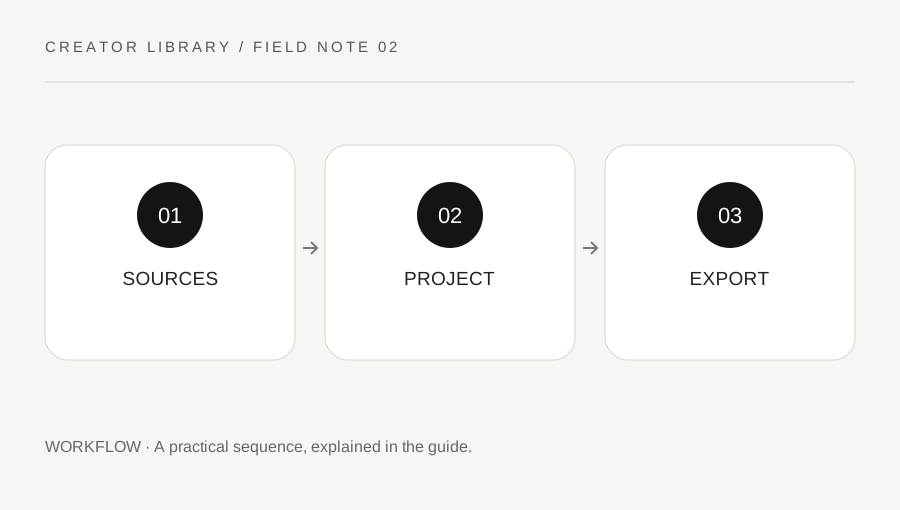
Original explanatory diagram. Examples illustrate a method or decision; they are not claims of personal testing.
Define the working folder before importing
Choose an approved storage location and a simple folder structure for the project. Separate source media, editable project files, working exports and accepted outputs. Keep the names meaningful without including unnecessary private information. If collaborators use a shared environment, agree on the location and access rather than building several untracked copies.
Do not move source media casually after an editor has linked to it. Some applications reference files in their original locations, while others copy them into a managed library. Check the application's documentation and record the chosen behavior. A project that opens on your computer may still depend on files outside the folder you plan to hand over.
Track the material and its permitted use
Keep a source inventory with the file, its role and the relevant permission or license reference. A folder called assets does not establish that every item can be published or passed to a client. Music, stock footage, interview recordings and your own material can have different conditions. Clarify the actual intended use and retain the relevant evidence.
Use stable descriptive filenames and avoid renaming every imported item mid-edit. If an item must change, update the project through a supported relink or replacement workflow and verify the result. Do not assume a preview file is an adequate substitute for the licensed source. Keep permissions information private where appropriate and include only what the authorized recipient needs.
Work through a reopen test
Imagine a creator finishes an explainer and later needs to correct one date. Before archiving, they close the editor and reopen the project from the intended stored location. They verify that media is online, the timeline plays and the relevant fonts or other dependencies are available through permitted sources. This catches missing links before the original working folder is removed.
For a handoff, they use the application's supported collection or packaging process where available and test the package. They include a short note identifying the accepted export and known dependencies. The example is a process suggestion, not a claim that every editing application packages projects identically. Follow the actual tool's documentation and the agreement with the recipient.
Back up and retain deliberately
Use an appropriate backup routine for material you are entitled to retain, and check that a useful restore is possible. A second folder on the same device may not protect against every failure. Choose storage and access suited to the sensitivity and value of the material rather than assuming that any cloud link is an archive.
Agree what should be retained, for how long and who is responsible, especially for client or interview material. This guide does not set legal retention rules. Keep working copies, accepted exports and confidential sources clearly distinguished. A useful archive lets an authorized person understand and reopen the project without implying that they have permission to reuse every component in a new production.
Write a short readme for future you
Include the project title, editor and version, accepted output name, source locations and any unresolved dependency. State whether a file is a preview, a master or a delivery copy. Avoid passwords or secrets in the readme. Keep the note concise enough that it will actually be maintained after a correction. The goal is a practical handoff of understanding, not a long document that becomes outdated while the real source files continue changing elsewhere.
A practical checklist
Choices are saved in this browser. Reset them here or clear this site’s browser storage.
Questions that come up
Is the final video enough to revise the project later?
Usually it does not replace the editable timeline and source material. Preserve the appropriate components through an authorized retention process.
Does a shared asset folder grant reuse permission?
No. Rights and license conditions remain separate from file access.
Should the readme contain account passwords?
No. Use the approved credential and access process instead of embedding secrets in project notes.
References & scope
Background references checked on 18 October 2026. Worked examples and diagrams are original teaching material.