Record a Clear Voiceover in a Small Room Before Adding Effects
A clean voiceover begins with a repeatable recording position and a short listening test. Solve the obvious room and delivery problems before relying on processing to repair every take.
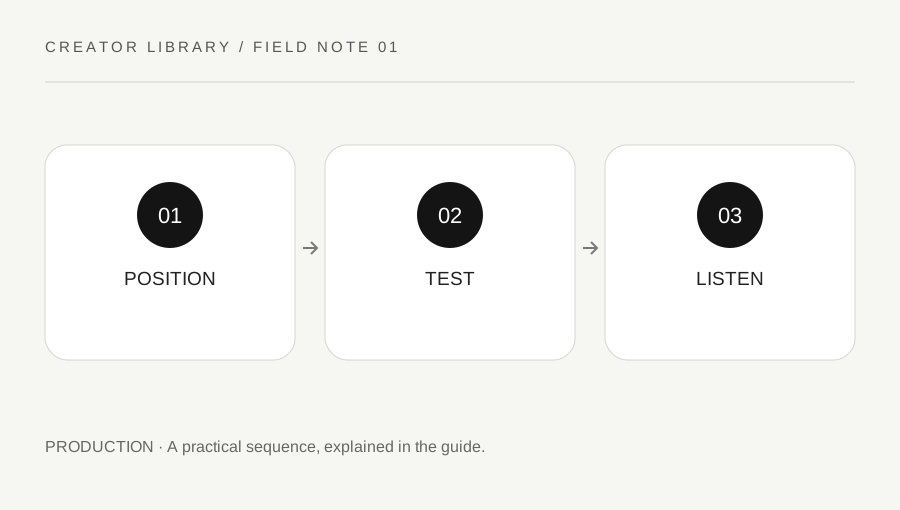
Original explanatory diagram. Examples illustrate a method or decision; they are not claims of personal testing.
Choose a practical recording position
Find a quiet period and a stable place where you can read comfortably. Listen for ordinary sources of noise such as ventilation, traffic, appliances and computer fans. Do not disable equipment that is needed for safety or a required workspace function. Change the recording time or position when that is the sensible way to avoid a noise source.
Use the microphone or device according to its instructions and keep a comfortable consistent distance. Prevent the stand or cable from creating a trip hazard. A small room does not need to become a permanent studio for one explainer. The first goal is a usable position you can repeat, with the script visible and the recording controls accessible.
Make a short representative test
Record several sentences that include the delivery and emphasis you expect in the real piece. Leave a brief quiet section so you can hear the room. Play it back through a suitable output at a comfortable level. Listen for clipping, muffled speech, strong room reflections, mouth noises and changes in distance rather than judging only whether the recording meter moved.
Change one variable and compare another short test. Moving the device, changing speaking direction or choosing a less reflective position may be more useful than adding several effects. Record the settings that worked. Do not assume an automatic enhancement preset can reconstruct words that are distorted or absent in the source. A better short retake can save a long editing session.
Use a script with natural stopping points
Break the text into readable sections and mark pauses where a listener needs time to follow the explanation. Read aloud once before the full recording to catch sentences that are difficult to say. Keep technical names and numbers checked against the source. If a word is uncertain, verify it before recording rather than hoping captions will correct an inaccurate spoken claim.
Imagine a creator recording a two-minute demonstration. They make one paragraph test, adjust the microphone position and then record in short logical sections. When a sentence goes wrong, they pause and repeat the complete sentence so the edit has a clear alternative. This is an illustrative workflow, not a promise about the best microphone or a universal number of takes.
Review the voice in the final context
Listen to the assembled narration with any music or other sound at the intended relative levels. Check that speech remains understandable and that edits do not cut off words or create abrupt changes. Keep an unprocessed source where appropriate so you can revisit an over-processed section. Use effects deliberately and compare before and after rather than assuming more processing means a clearer result.
Prepare accurate captions and any appropriate transcript through the publishing workflow. W3C's media guidance explains accessible alternatives as part of media preparation. A clear recording supports those tasks but does not replace them. Review the final export on an ordinary playback setup and confirm the words, timing and supporting information before publishing.
Keep a simple pickup record
When a later correction needs one replacement sentence, note the original position, device settings and delivery. Record a short pickup test and compare it with the surrounding narration. A changed room or much closer microphone can make the correction sound unrelated even when the wording is right. Keep the factual correction as the priority and use a clean transition where a perfect match is not practical. Do not conceal a material correction merely to preserve a seamless-sounding recording.
A practical checklist
Choices are saved in this browser. Reset them here or clear this site’s browser storage.
Questions that come up
Can effects fix every noisy take?
No. Processing has limits. A short clean retake can be more reliable than trying to reconstruct distorted or missing speech.
Should I test only the microphone meter?
Listen to the recorded result. A moving meter does not establish intelligibility or reveal every room problem.
Does clear audio remove the need for captions?
No. Prepare appropriate accessible alternatives through the publishing workflow.
References & scope
Background references checked on 18 October 2026. Worked examples and diagrams are original teaching material.